
Folia Ledger features
What it does.
Everything Folia Ledger does today, group by group.
- Annotate the page
- Find it again
- Import the file
- Work together
- The device in front of you
- What you download
- The account
Markup and annotation
Annotate the page.
Highlight, write, draw, and stamp, on PDFs, Office files, and images.
Tools
Pencil, highlighter, shapes, text notes, comments, stamps, images, and an eraser.
Apple Pencil
On iPad, Apple Pencil draws and a finger scrolls.
Text
Select text to copy or highlight it.
Eraser
Erase part of a stroke, or remove a whole annotation.
Across devices
Color, opacity, and stroke width follow you from one device to the next.
From a PDF
Annotations already in a PDF you upload, including those from iAnnotate, come in as editable annotations when the type is supported.
Search
Find it again.
Search what people wrote, not just what the document says.
revision3 annotations · 3 files
Annotations
Search every note, highlight, and comment across your files.
Text
Search the text inside your documents.
From paper
Scan on your phone, and the text is searchable.
On the web
Command-F or Control-F opens search.
Pages
Browse pages as thumbnails on the web, iPhone, iPad, and Android.
A page
Owners and editors can rotate, hide, or unhide a page.
Files and import
Import the file.
Import a file once from Google Drive, OneDrive, SharePoint, Dropbox, or Box.
Import
A one-time copy. The file stays where it was.
What opens
PDFs, Office and OpenDocument files, RTF, CSV, and images.
From Drive
A Google Doc, Sheet, or Slide from Drive keeps its file-type label.
Source
Details include a link back to where the file was imported from.
Projects
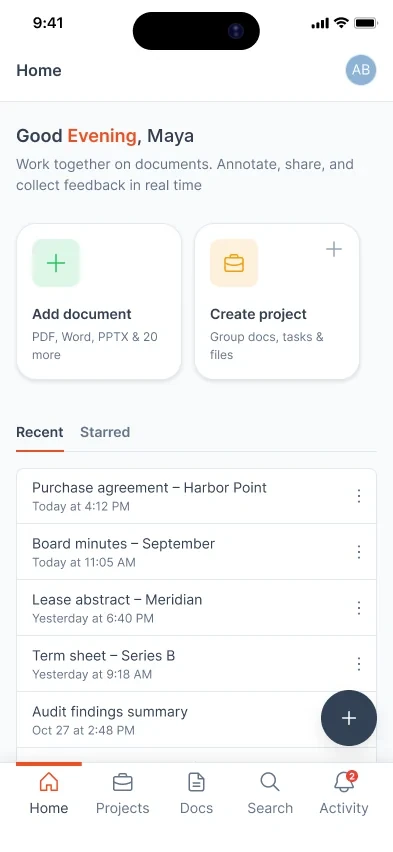
Keep a set of files in a project, or annotate a file on its own. Home lists Recent and Starred.
The file
Rename, copy, download, view details, or delete a file.
Comments and collaboration
Work together.
Everyone works on the same file at the same time, and the conversation stays on the page.
Real time
Annotate the same file at the same time. Changes appear for everyone as they happen.
Comments
Leave a comment on the spot it is about.
Replies
Reply in a thread under the comment.
Sharing
Share a file or a project with the people who need it.
Roles
Each person is a viewer, contributor, or editor.
Names and times
Every note, highlight, and comment carries its author and its time.
Devices and offline
The device in front of you.
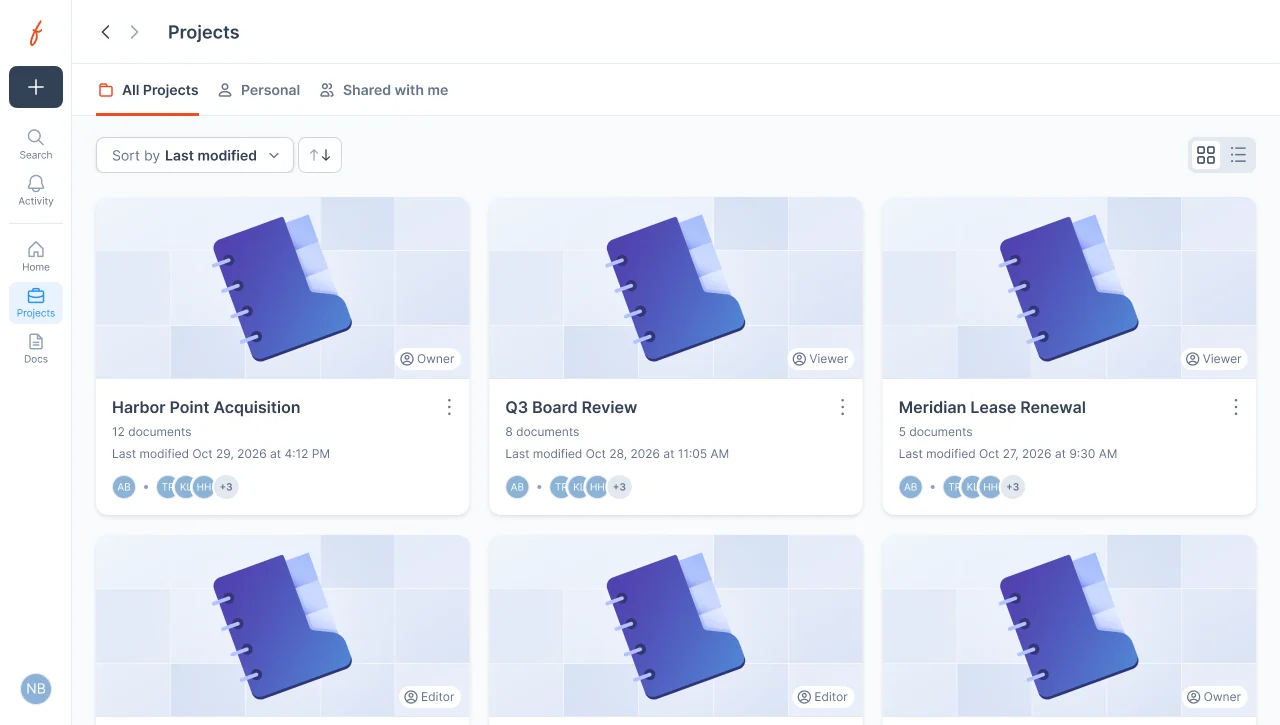
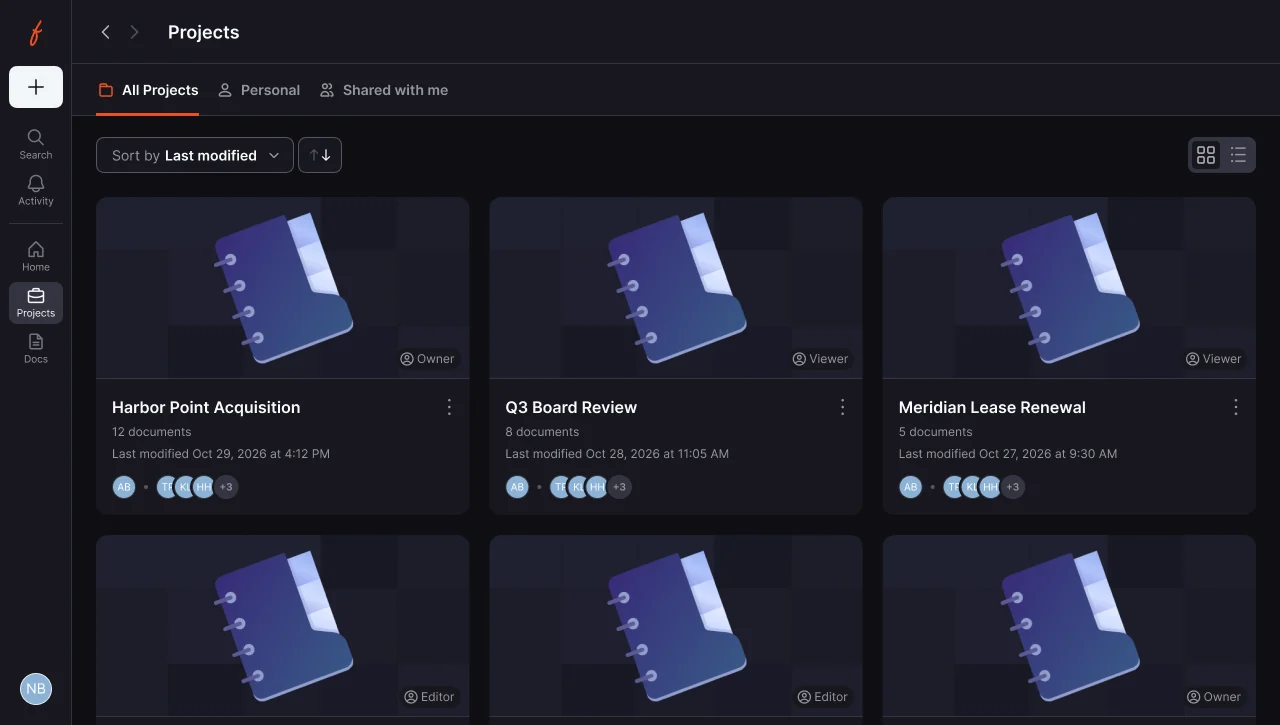
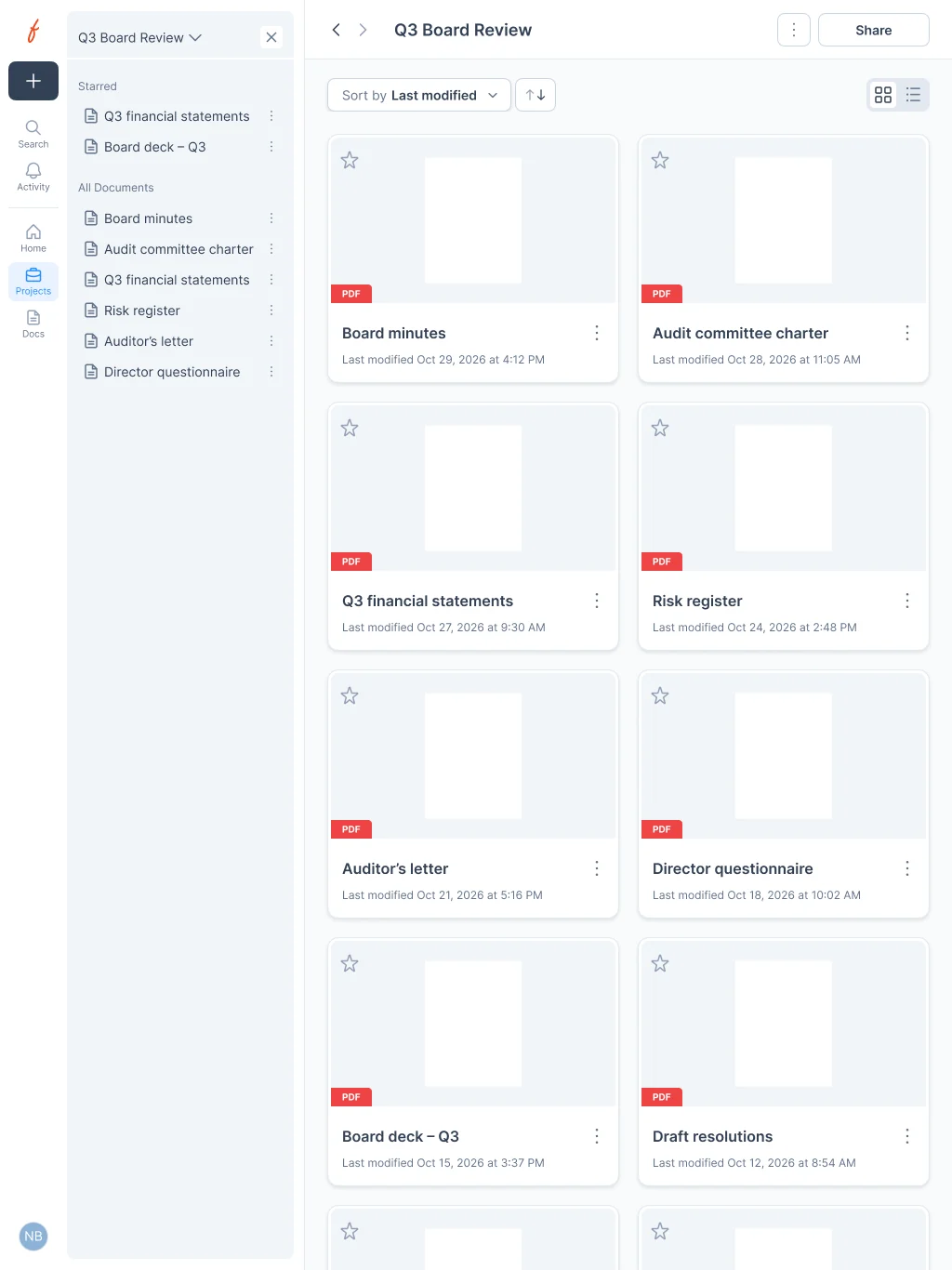
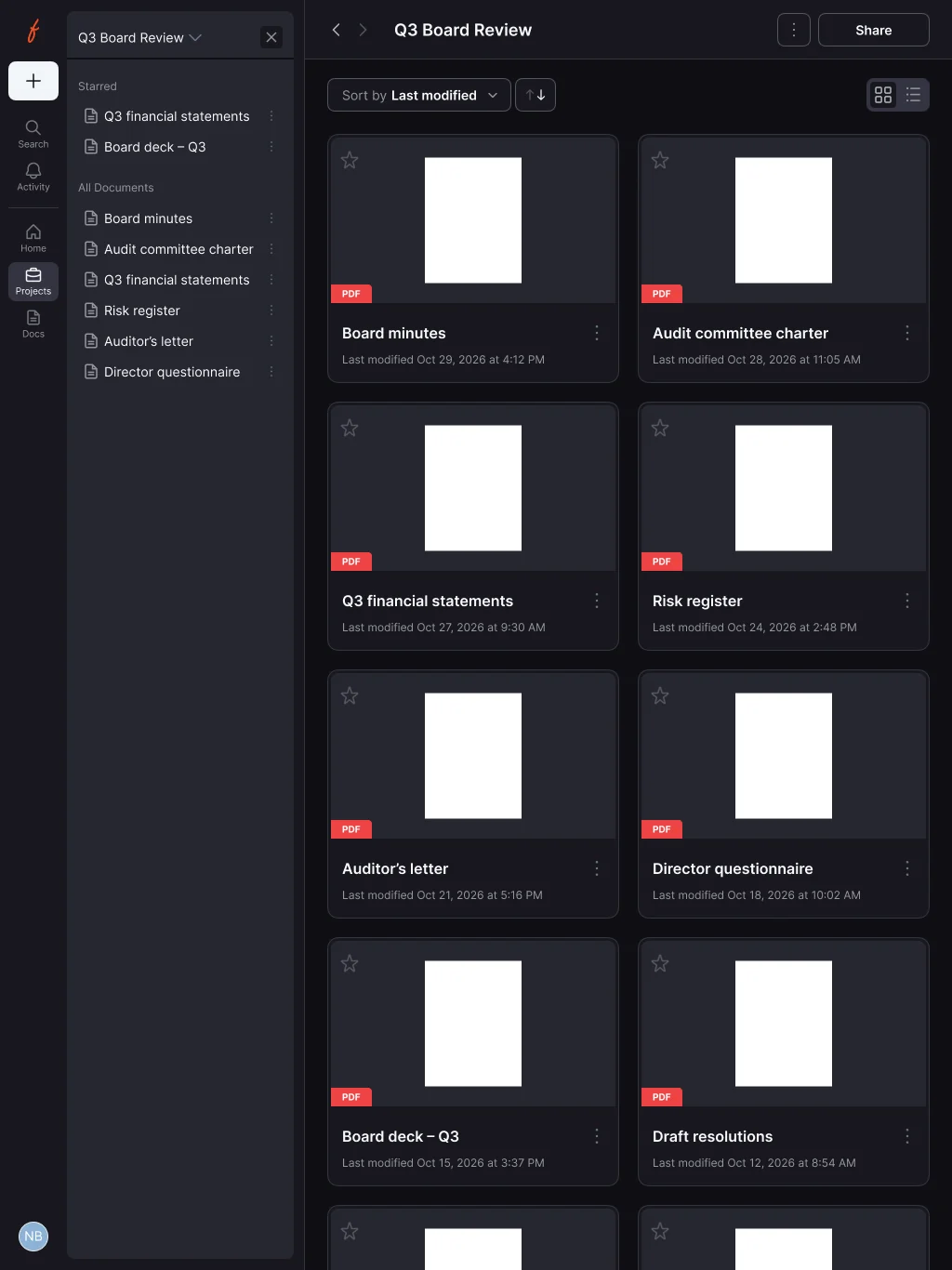
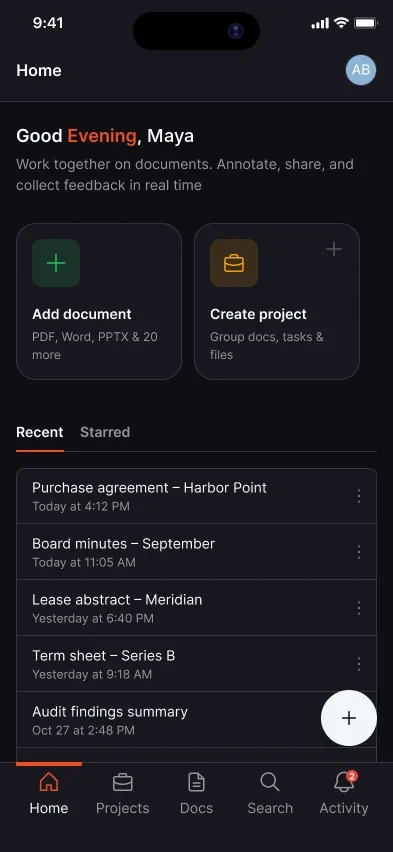
The same file is in the web app and in the iOS and Android apps.
Apps
The web app, the iOS app, and the Android app.
Offline
Create and edit annotations on iPhone and iPad without a connection.
Back online
The changes are saved when you are back online.
Around the file
A sidebar takes you home, to recent projects, or to another file in the project.
Keyboard
On iPad, an external keyboard can select tools.
Appearance
The iOS app has dark mode and light mode.
Export and download
What you download.
The original, or a flattened PDF.
Download
A flattened PDF, or the original file. The original downloads on the web.
Editable
Annotations stay editable by default.
A hidden page
A hidden page is left out of an exported PDF. The original keeps every page.
Accounts
The account.
One account on the web, iOS, and Android.
Sign in
Sign in with Microsoft, Google, or Apple.
Organizations
Admin controls and the audit log are on Folia Ledger for organizations.
Your account
With an individual account, you can request deletion from Account Settings. You confirm by email.